Overview
Every creator faces the same uncomfortable truth: your followers do not belong to you. Instagram can reduce your reach. TikTok can be banned in your market. YouTube can change its algorithm overnight. The one asset that survives every platform change is your email list — and the fastest way to build it as a creator is through your bio link.
This guide covers a practical bio link strategy for creators who want to convert their existing social audience into a list of owned contacts they can reach directly, on any platform, at any time.
Why your email list matters more than your follower count
A follower on any social platform is a borrowed relationship. The platform sits between you and your audience. It decides when your content is shown, how often, and to what percentage of your followers. Organic reach on most platforms has declined year-over-year for most creators.
An email subscriber is a direct relationship. When you send an email, it arrives in their inbox. There is no algorithm deciding whether it gets shown. The average email open rate across industries sits between 20 and 40 percent. Organic social reach on Instagram for most accounts sits below 5 percent. A list of 1,000 email subscribers typically produces more direct engagement than 10,000 Instagram followers.
The math is clear. Converting even a fraction of your social audience into email subscribers dramatically increases your ability to monetise your content, launch products, fill events, and build direct relationships with your most engaged fans.
Why your bio link is the right place to capture this
For most creators, the bio link is the only clickable link available on their main profile. Instagram does not allow links in post captions. TikTok only allows one bio link. YouTube puts the channel link in the about section. In every case, the bio link is the bottleneck — the single point through which all social traffic must pass if it is going to reach any destination outside the platform.
This makes it the most valuable piece of digital real estate a creator controls. Most creators use it to send people to their latest video, their website, or a collection of links. Almost none use it to capture the contact details of the people clicking it.
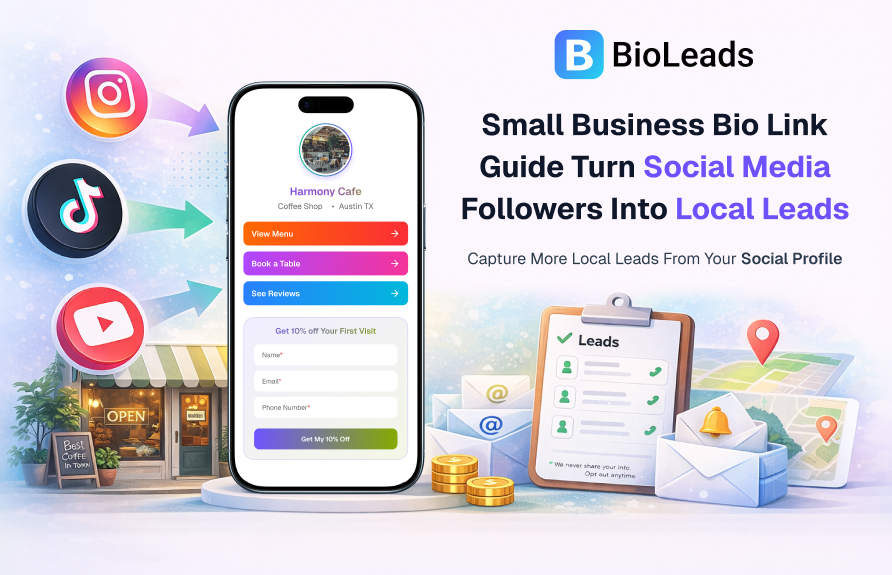
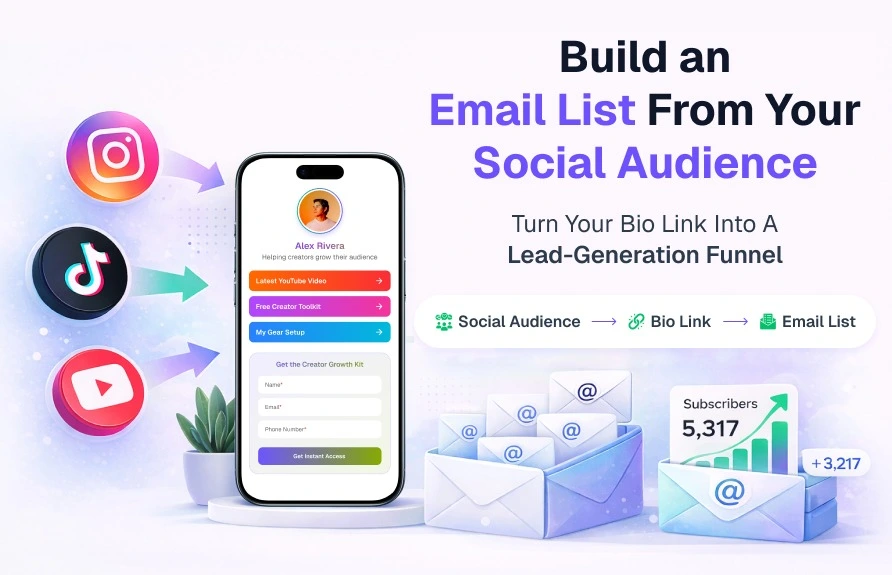
A BioLeads page turns that bottleneck into a conversion point. Instead of just directing traffic, it captures it.
What to put on your creator bio page
Your profile and links
Start with the basics: your profile photo, your name, a one-line description of what you create, and your three to five most important links. These might include your latest video, your main content platform, your merchandise store, your Patreon, or your website. Keep the list short. The more links you show, the less likely a visitor is to click any specific one.
Your lead magnet offer
Position a lead form prominently on the page with a clear offer above it. For creators, the highest-converting offers include:
- A free resource directly connected to your content niche — a recipe book for food creators, a gear guide for tech creators, a training plan for fitness creators
- A behind-the-scenes newsletter where subscribers get content that does not appear on your public channels
- Early access to new content, products, or community launches
- A weekly digest of your best content, curated for people who do not want to miss anything
The form itself
Keep it to two fields maximum for the initial capture: name and email. You can collect more information later, once the relationship is established. The goal on the bio page is to reduce friction as much as possible.
Content strategy to drive more bio link clicks
Capturing leads from your bio link requires two things: a good bio page and a consistent strategy to direct your audience to it. Here is how to drive more clicks from your existing content:
- End every video or post with a bio link call to action. Tell your audience exactly what they will get if they click the link in your bio. "Click the link in my bio to get the free template I mentioned" is more effective than "check the link in my bio."
- Create content specifically around your lead magnet. If your offer is a free guide, create content that teases the value inside the guide. The content drives interest; the bio link captures it.
- Use Stories and Reels to remind your audience the link exists. Many followers have never clicked your bio link. Regular reminders in your content keep it visible.
- Update your bio text to mention the lead magnet. "Free content calendar in bio link" tells a profile visitor exactly why they should click before they even see your content.
How to know what is working
BioLeads shows you how many visitors your bio page receives, how many complete the lead form, and which traffic sources they came from. This data tells you which content is driving the most lead activity — not just the most views or likes.
Review this data weekly. If a specific type of post — a tutorial, a behind-the-scenes clip, a direct call to action — consistently drives more bio link visits and leads than other content types, produce more of that content. Let the lead data guide your content strategy, not just the vanity metrics inside the platform.
What to do next
- Set up your BioLeads page with your top three links and a lead magnet offer.
- Write a specific, value-led offer headline for your form — not a generic "sign up" line.
- Add your BioLeads URL to every social profile where your audience can find you.
- Post a piece of content that directly references the offer in your bio link.
- Check your source analytics after the first week to see which platform is sending the most leads.
Your followers are already there. The only question is whether your bio link is built to capture them. Start your free BioLeads page today.